
Hot vs. Cold Storage: Learn Cloud Options for Your or Your Business
I have a feeling you did not wake up this morning thinking, “What a great day to study cloud storage tiers.”
Now you keep seeing terms like hot storage and cold storage. They sound like a weather report for your data but they are actually access tiers offered by cloud providers.
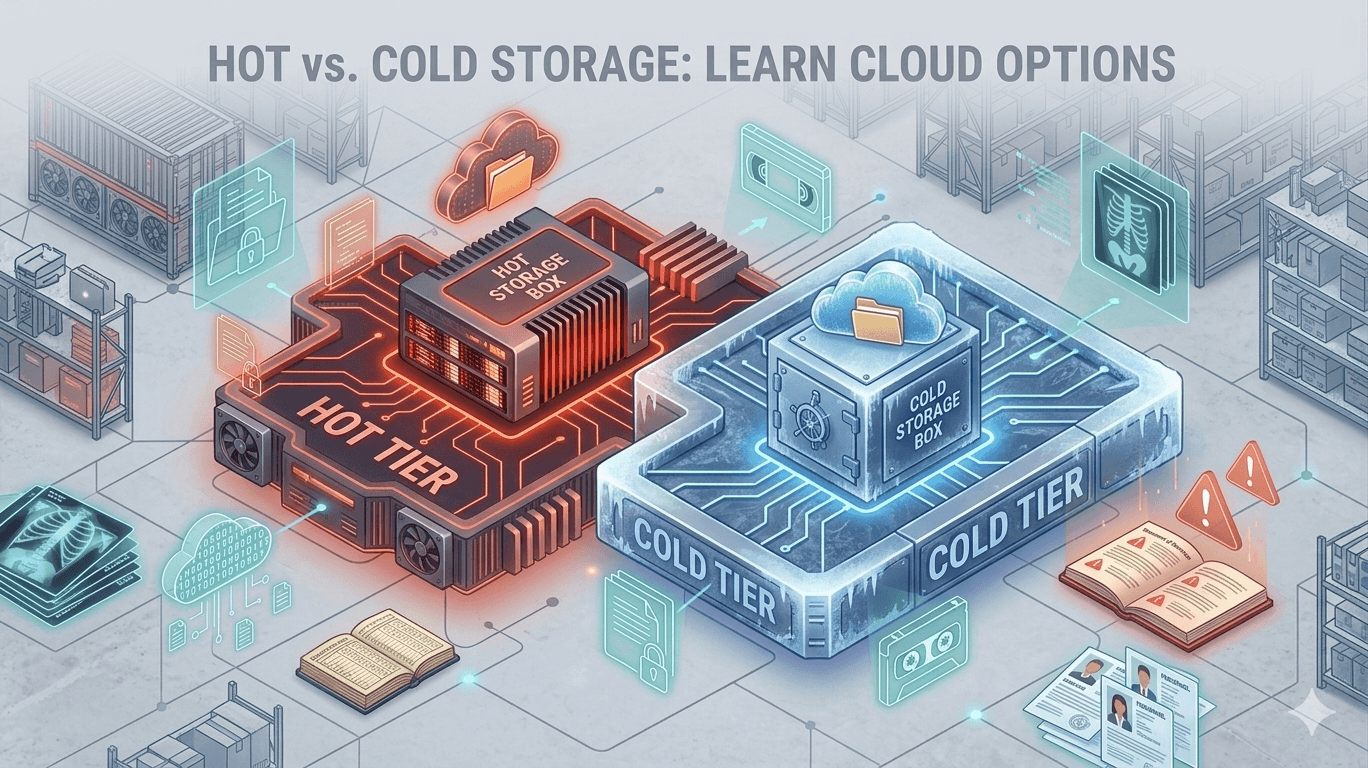
Think of hot and cold storage as access levels to your warehouse. Some boxes sit near the front door because people grab them all day. Others sit safely in the back because nobody needs them until audit season arrives and suddenly everyone remembers they exist.
No worries. This is a short post with no fancy wording but with a few metaphors here and then, just a clear explanation of the difference between hot and cold storage.
The Cloud Storage Temperature Gauge
Each has its own benefits for business and personal use but It all comes down to how often you need to touch that data. The “temperature” dictates the speed, access method, and ultimately, the cost.
Hot Storage: The VIP Access Data
Hot data storage is your prime real estate. This is where your frequently accessed, mission critical files live. Think of the data your team uses every hour, every day. It is designed for maximum speed and instant access.
Why Go Hot?
- Retrieval times are measured in milliseconds. Get the files you need right when you need them.
- Files are readily available for viewing, editing, or sharing.
- Use Cases:
- Active project files and documents
- User generated content (think website images, streaming media)
- High transaction databases
- Files that need frequent editing
- Data for primary business applications
Cold Storage: The Long Term Archive
Cold data storage is like the deep archive in the back of the warehouse. This data is important, perhaps even essential for compliance or historical review, but you rarely need to look at it. It is where you put data you plan to store for months or years without touching.
Why Go Cold?
- The primary benefit is the significantly lower storage price. You are saving money because the provider is not keeping this data on expensive, high speed hardware.
- These archives often have robust long term security protocols.
- Use Cases:
- Regulatory compliance archives (old financial records, medical imaging)
- Disaster recovery backups
- Historical project documentation
- Raw data that needs to be preserved but not immediately analyzed
- Files you access once a quarter, or less
The Key Difference: Access Time and Price
The following is just the same info but simplified. Again, the choice boils down to a simple trade off between how fast you can get the data and how much you pay to keep it there. It really is that straightforward, so let’s slice it into simple, bite sized pieces and leave the overcomplicating to someone else.
| Feature | Hot Storage | Cold Storage |
|---|---|---|
| Access Frequency | Daily/Hourly | Rarely/Annually |
| Retrieval Speed | Instant (Milliseconds) | Delayed (Minutes to Hours) |
| Storage Cost | Higher per GB | Significantly Lower per GB |
| Ideal For | Active Workloads | Archival and Compliance |
When shopping for cloud storage, remember that most good services offer both.
If you need either one, that usually signals a deeper requirement around growth, governance, or risk. Active teams demand speed. Finance demands cost control. Compliance demands integrity.
A mature storage setup addresses all three without forcing you to compromise. The goal involves choosing a service that lets you balance performance, budget, and protection in a way that fits how your business actually operates today, and where it plans to go next.
Privacy concerns online have never been higher, and for many people, VPNs feel like the go-to solution. They promise anonymity, protection from snooping ISPs, and freedom from surveillance.
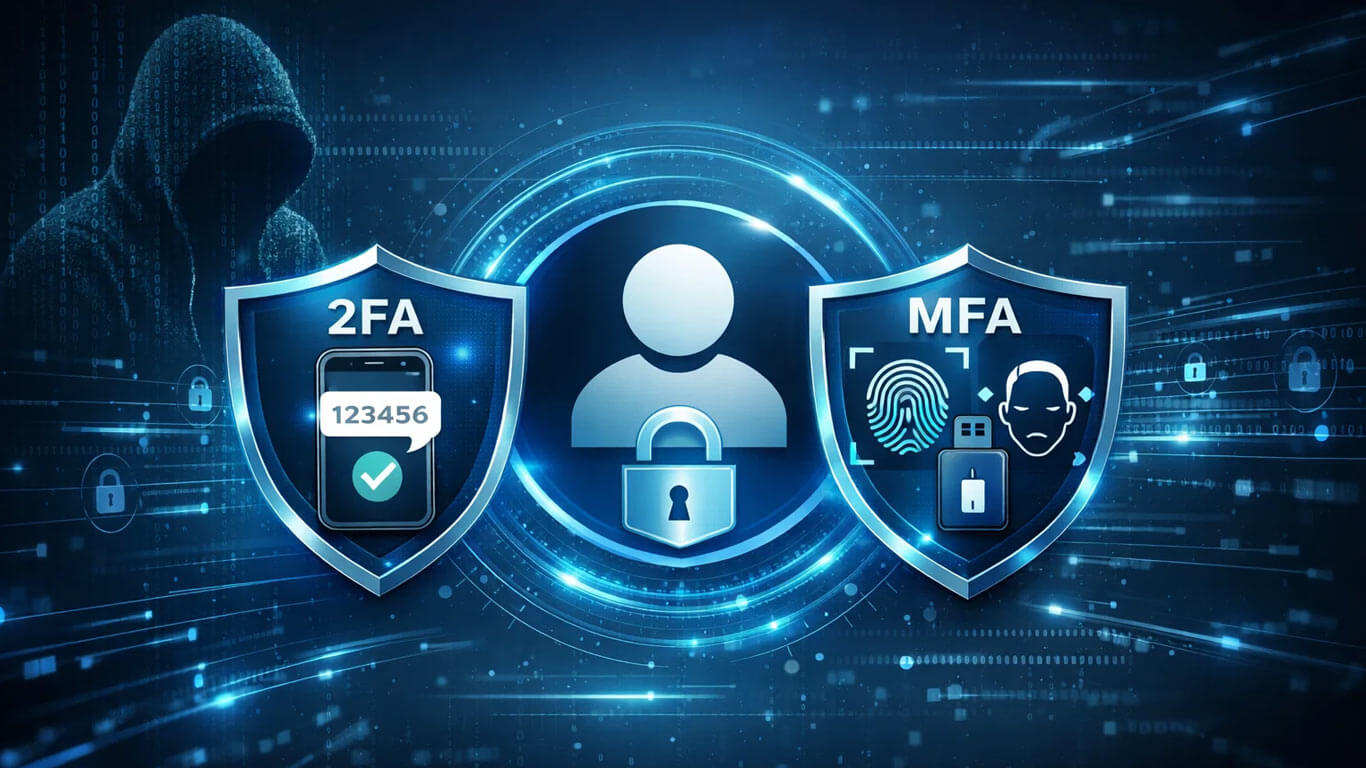
Let’s be honest: you’ve probably been told that 2FA (Two-Factor Authentication) is the secret sauce to keeping your accounts safe. Enable it, and, abracadabra!, no hacker can get in.