
Why 2FA Isn’t Enough for Your High-Risk Accounts
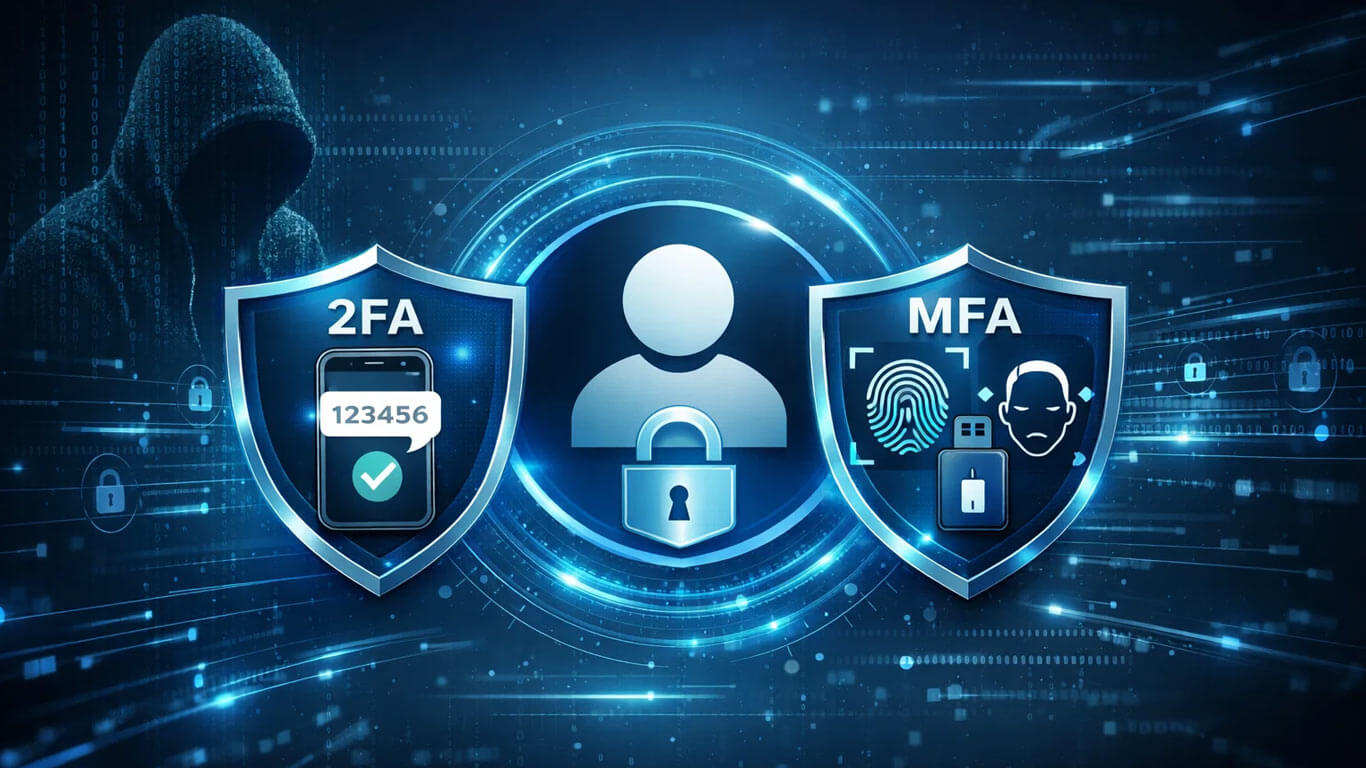
Let’s be honest: you’ve probably been told that 2FA (Two-Factor Authentication) is the secret sauce to keeping your accounts safe. Enable it, and, abracadabra!, no hacker can get in. But here’s a reality check: cyber attackers laugh at our sense of online “convenience” and are fully ready to run circles around one little code.
We all tend to think, “meh, one code is enough,” but not all your accounts matter (or risk) equally. Protecting your food delivery app as seriously as your crypto wallet? So, let’s chat about the difference between 2FA and MFA (Multi-Factor Authentication), and why password managers deserve more love, so your most important stuff REALLY stays locked down.
Two Factor vs Multi Factor Authentication: What’s Up With That?
2FA means you use a password AND a second verification step. Maybe it’s a text code, sometimes an app notification. Most of us use it for stuff like Instagram, Netflix, maybe email. It definitely works for the basic stuff, your phone pings, you enter six numbers, you’re in.
But let’s dig further where 2FA stumbles. All those “log in from a new device” moments seem like airtight protection, until you realize hackers have their own playbook. Think SIM swapping (they trick your carrier and steal your text codes), phishing (sneaky fake pages), or malware that nabs your codes as soon as they land. Suddenly, that little code isn’t as mighty as you’d hoped. But, is MFA the same as 2FA? Nope! Not all heroes wear the same cape, and in security, you really want the team, not just the sidekick.
The Difference Between 2FA and MFA (and Why You Should Care)
2FA is technically just one kind of MFA. With 2FA, it’s always two steps, password + one other thing. But “Multi Factor Authentication” (MFA) just means more than one step, and usually goes further.
So, when the security pros talk about “2FA vs MFA,” what they really mean is: do you just have two pieces of the puzzle (like a code from your phone), or are you stacking even more layers (like a code, PLUS a fingerprint, or a hardware key)? If you’re protecting something spicy, think bank account, investment app, business admin panel, all your cloud docs, or your big-money social media, you need to level up from 2FA.
Imagine this: someone grabs your phone number and swipes those SMS codes to clean out your crypto wallet. Or you click a fake login link from a “helpful” email and, poof! your business account is in the wrong hands. 2FA isn’t bad, it just wasn’t made for this level of drama.
MFA to the Rescue (and It’s Not as Annoying as You Think)
It goes beyond a password and a text code. It layers your password with an authenticator app, a hardware security key, or even biometrics like your fingerprint or face. It may sound more involved at first, but no one is asking you to go through heavy security just to order food. Tools like YubiKey, Titan Key, and Authy keep those extra checks quick and easy.
Even if a hacker manages to steal your password and grab a code from an authenticator app, they still hit a wall. They cannot pretend to be you or copy your fingerprint. If MFA feels like a complicated setup in your head, relax. Modern tools run smoothly once everything is in place.
Password Managers: The Secret Weapon Nobody Tells You About
If all this talk about codes makes your brain hurt, here’s where the password manager is your MVP. You only need to remember one strong master password, these apps generate and save all those pesky, unique passwords for every account you have. Forget sticky notes and “password123,” please.
With a password manager, you don’t have to recycle passwords (which is basically what hackers are waiting for you to do). When you stack a password manager on top of MFA for your high-risk accounts, your defenses go to the next level, and your login routine doesn’t become a full-time job.
Which Accounts Deserve the Full VIP Treatment?
Here’s the game plan:
- Low-Stakes Stuff: Forums, newsletters, random apps, 2FA is plenty.
- High-Risk/High-Value: Finances, business dashboards, cloud storage with your tax forms? MFA + password manager, no debate.
Think of a content creator who protects their payout info and main Insta account with hardcore MFA and a unique password, but sets up standard 2FA for an app they only use to watch silly cat videos. Smart, right?
The secret is matching the protection to the headache you’d get if something went wrong.
Rethink Your Login Game
It simply makes your important information tougher to steal. The real win is not piling on annoying steps, but being smart about where those steps go. Most of us just want a smooth ride online, but the difference between 2FA and MFA is all about knowing which accounts are just for fun and which ones would be a total nightmare if hacked. Ask yourself: which accounts would keep you up at night if they were compromised? That’s where you upgrade your defenses.
Security means using smart habits that make you nearly impossible to mess with. If passwords keep slipping your mind, step up to passwordless authentication. It connects your identity to your device through a fingerprint, face scan, or secure prompt, so you stop creating weak passwords and reusing the same old ones. Fewer passwords mean fewer chances to slip. Explore your options and choose a system that keeps things simple and strong at the same time.
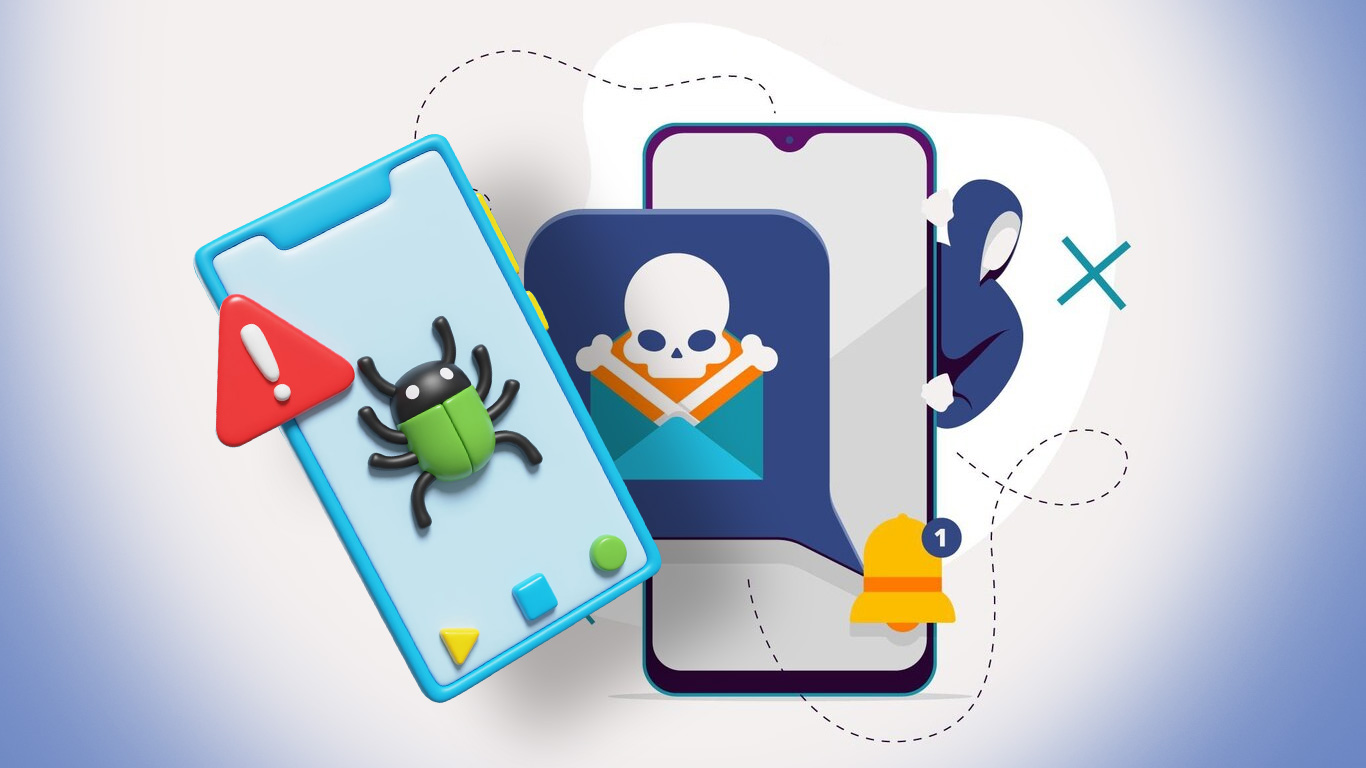
If your phone keeps freezing mid-scroll, crashes out of nowhere, drains battery, or just feels slower than usual, it could be infected. Yes, phones can get viruses, even brand-new ones with the latest updates.
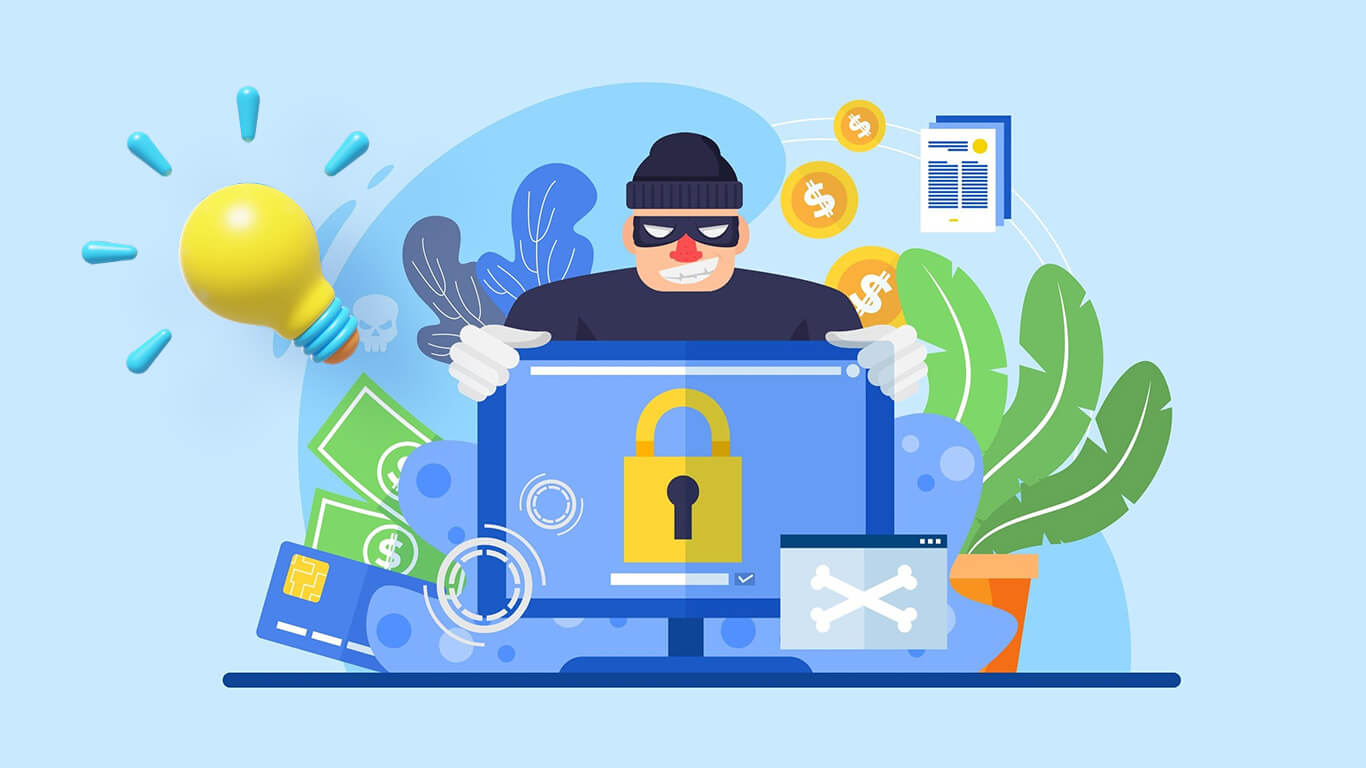
Ransomware used to be something only skilled hackers could pull off. Today, cybercriminals can rent ransomware tools the same way you subscribe to Netflix.