
7 Tips for Avoiding YouTube’s AdBlock Detection
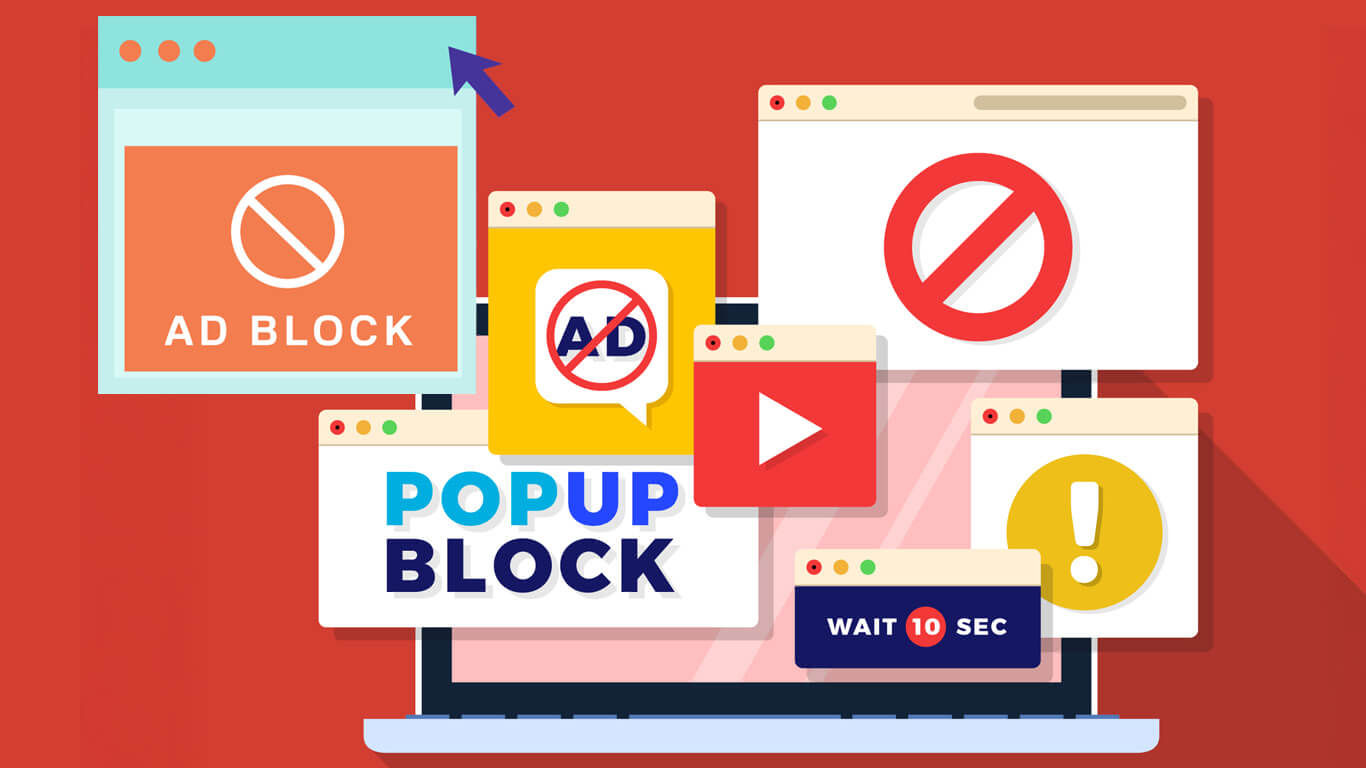
YouTube has turned into the spot most of us head to for entertainment, tutorials, or just catching live content. Millions log in every day, and, well, ads can get in the way. YouTube Premium does offer a fully ad-free experience, sure, but not everyone wants to pay. That’s where a YouTube Ad Blocker comes in. Sounds simple, right? Here’s the thing: YouTube has been stepping up its game. Some blockers that used to work flawlessly now stumble, leaving viewers hunting for solutions that actually hold up.
So, what works? Let’s take a look at extensions, browsers, and a few advanced tricks that keep your videos running smoothly and your privacy intact.
Why YouTube Notices Ad Blockers
YouTube isn’t passive. It’s surprisingly clever at spotting blocked ads, and you’ll notice it has a few tricks up its sleeve:
- Missing ad requests: Skip a pre-roll or mid-roll ad, and YouTube takes note.
- Invisible “bait” ads: Tiny scripts hidden on the page act like little tests to see if anything’s blocked.
- Extension IDs and browser fingerprints: Some blockers leave identifiable marks, basically signatures in the browser.
Because of this, basic ad-blocking extensions often aren’t enough anymore. Keeping things updated, or sticking with reliable, proven tools, is essential if you want smooth playback.
Signs You Might Be Detected
Sometimes it’s obvious. Sometimes, not so much. Here’s what to look for:
- Videos that don’t load, or just show a black screen.
- Pop-ups saying, “Ad blockers are not allowed on YouTube.”
- Odd glitches, like thumbnails missing, buttons unresponsive, or Shorts acting funny.
Notice these signs early, and you can fix things before frustration kicks in.
Ad-Blockers That Actually Work
Some blockers have stood the test of time. A few worth trying:
1. Total Adblock
Works on desktop and mobile. Skips pre-rolls and mid-rolls, tracks blocked ads and trackers, and has a simple toggle for quick on/off.
2. Surfshark CleanWeb
Part of Surfshark VPN. Blocks ads, trackers, and malware while bypassing YouTube’s anti-block measures. Smooth streaming, minimal hassle.
3. uBlock Origin Lite
Lightweight, updated often, works well on Chrome and other Chromium browsers. Adapts quickly when YouTube changes things, and you’ll barely notice it working.
4. AdGuard
Blocks ads and protects against malware. Desktop setup can take a few minutes, but once it’s running, it handles YouTube across platforms reliably.
5. Ghostery
Focused on privacy, doesn’t slow YouTube down. You can toggle ads, trackers, and cookies separately if you like control over what gets blocked.
6. Blocker
Optimized for Safari users. Works on Mac, iPhone, and iPad. Free plan handles basic blocking; premium allows multiple trackers at once.
Browsers That Help
Some browsers come ready for action:
- Brave Browser blocks most YouTube ads automatically on desktop and mobile, no extra extensions needed.
- Firefox and Microsoft Edge often slip past YouTube’s newest anti-block tactics, which can make them surprisingly reliable alternatives.
Pairing a compatible browser with an ad blocker makes the difference more noticeable than you’d think.
A Few Advanced Tricks
If you’re willing to tinker a little:
- Disable JavaScript: Temporarily turning it off can bypass detection scripts, though some features might misbehave.
- Change DNS: Mullvad, NextDNS, or Bancuh allow network-level ad blocking, no extensions required.
- VPN with ad-blocking: Premium options like NordVPN, ProtonVPN, or ExpressVPN block ads and secure your connection at the same time.
These aren’t magic fixes, but they help, especially when YouTube tweaks its detection rules.
Keeping Things Running Smoothly
YouTube changes constantly, so keeping blockers effective takes a bit of upkeep:
- Update extensions regularly.
- Clear your cache or do a hard refresh if ads pop back up.
- Disable extensions that conflict with your ad blocker.
- Try incognito mode with only the blocker active.
- Switch blockers temporarily if YouTube breaks the one you’re using.
A few small steps now save a lot of headaches later.
Thinking About Creators
Blocking ads makes YouTube more enjoyable, but it does impact creators. Ads fund their work, and cutting them out completely has a cost.
Ways to still support creators while blocking ads:
- Subscribe to YouTube Premium.
- Join channel memberships.
- Buy merchandise, or donate via Patreon or Twitch.
- Whitelist certain channels in your blocker.
A little balance goes a long way. You get ad-free videos, creators still get support, and everyone wins.
Enjoy Videos Without Interruptions
Ads can be frustrating, but there are plenty of ways to watch without them. YouTube Premium is the most reliable option, offering a completely ad-free experience while still supporting creators.
If free or alternative methods are your thing, a combination of tested ad blockers, compatible browsers, and a few advanced tweaks gives you more control over your viewing.
Casual viewer, student, or die-hard fan, it doesn’t matter. The right setup keeps your favorite videos playing uninterrupted. Smooth. Enjoyable. No frustration.
A VPN, or Virtual Private Network, is a tool that hides your IP address and encrypts your internet traffic. In simple terms, it makes your online activity more private, like putting a mask on your digital footprint. VPNs are more popular than ever in 2025. Remote work is standard now, and people want secure connections […]
You probably open your banking app more often than you open your front door. You check balances, move cash around, pay bills, maybe even pretend you are a serious investor.