
Fake CAPTCHAs: What To Do?
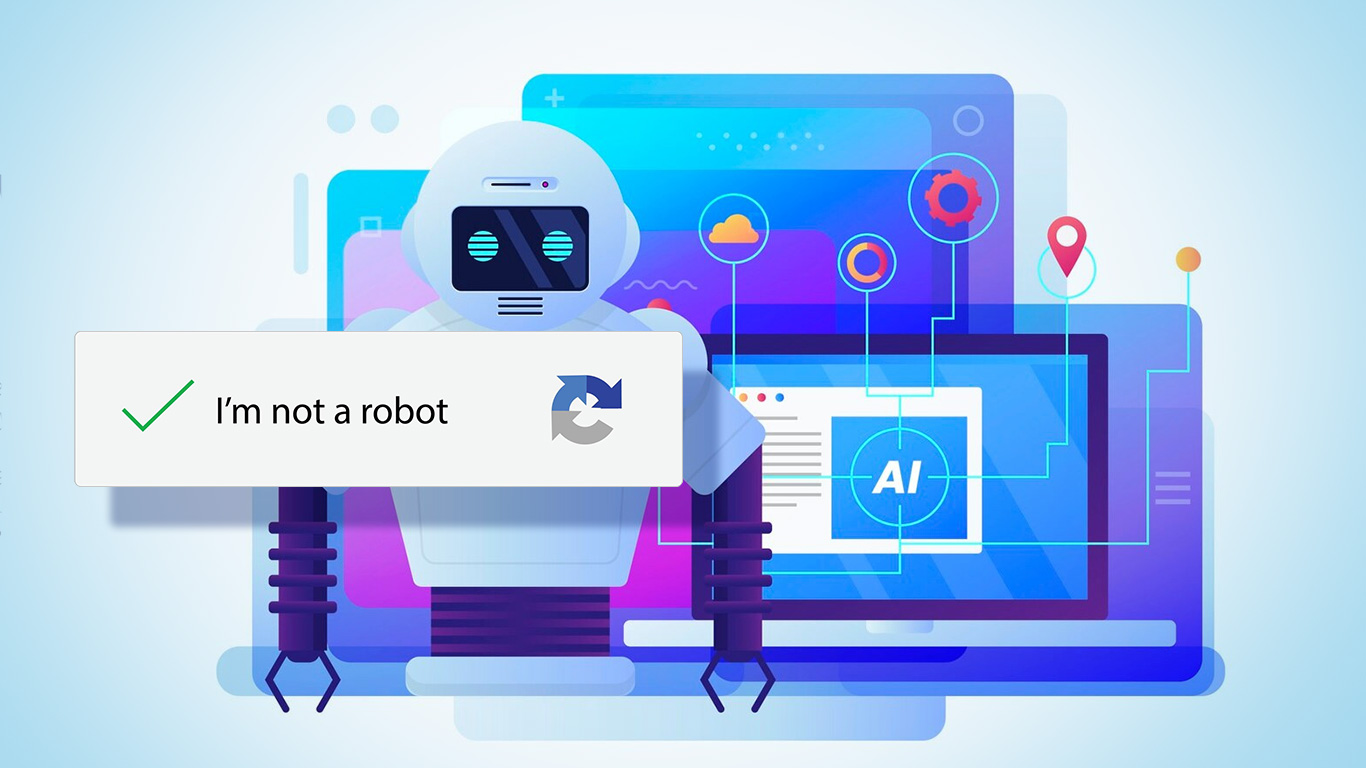
Cybercriminals have a new routine that looks perfectly ordinary: fake CAPTCHA pages. Once a simple test to separate humans from bots, CAPTCHA has quietly turned into a tool for deception. These bogus verification screens appear on trusted platforms like Lovable, Netlify and Vercel, which makes phishing harder to spot and easier to scale. The surge in these scams shows attackers are leaning on modern AI driven platforms to craft convincing lures and slip past security controls.
How the Fake CAPTCHA Scam Works
Every attack politely announces itself through a very normal email. Victims get classic hits like Password Reset Required or USPS Change of Address Notification. These messages drag users toward fake CAPTCHA pages that pretend to care about security checks.
The pages look clean and harmless at first glance. The familiar checkbox or puzzle is there, doing its best impression of legitimacy. The moment victims complete the CAPTCHA, they land on a credential harvesting site that copies a real login page with suspicious confidence. This is where attackers collect personal or company credentials and call it another successful day on the internet.
The deception works on two levels.
- Psychological: People associate CAPTCHAs with security and authenticity, so they rarely question it.
- Technical: Security scanners often detect only the visible CAPTCHA page, not the malicious redirect hiding behind it.
This combination makes fake CAPTCHA phishing extremely effective, both for tricking users and evading automated defenses.
How Attackers Use Legitimate Platforms
Trusted web builders promise easy websites for everyone. Free hosting, fast deployment, clean subdomains that look polished enough to pass for the real thing. These perks empower legitimate developers and, of course, give cybercriminals the same convenient toolbox for hosting phishing campaigns without spending much.
Trend Micro found a steady stream of phishing pages hiding in these AI native platforms. Fifty two on Vercel.app, forty three on Lovable.app, three on Netlify.app. The numbers confirm what everyone in security already suspects. Attackers love legitimate infrastructure because it lets their fake CAPTCHA sites blend in while looking painfully official.
These subdomains inherit the built in credibility of their parent platforms, which makes users trust them without asking questions. That borrowed legitimacy gives scammers an unfair advantage and keeps fake CAPTCHA operations alive longer before anyone bothers to take them down.
Why Fake CAPTCHAs Work
Fake CAPTCHAs succeed because it blends familiarity with subtle manipulation. People have solved countless CAPTCHAs across banking, shopping and email sites. When they see another one, they barely blink.
That routine builds misplaced confidence and pushes users to click through at record speed. Attackers exploit that habit to make their phishing pages look routine and harmless.
Detection tools struggle as well. Many systems scan only the surface and ignore the redirection that sends victims to the malicious destination. This flaw lets fake CAPTCHA phishing pages survive longer than the usual phishing attempts and gives attackers the extra time they should never have.
Defense and Prevention Strategies
Fake CAPTCHA pages try their best to blend in with legitimate sites, which makes them annoyingly hard to spot. Still, there are practical ways to cut the risk. It starts with basic awareness and continues with smarter tools and layered security that actually do their job.
User Awareness
The first line of defense is simple vigilance.
- Check URLs carefully. Before solving any CAPTCHA or handing over login credentials, take a second to look at the address bar. Phishing pages love extra characters and suspicious subdomains that pretend to be official, like login vercel.app or security lovable.app. Small spelling quirks or odd domain endings usually give the scam away.
- Avoid autofilling credentials. Password managers are useful, but they should not hand over your information on a page they do not recognize. When a manager refuses to autofill, it is often the system telling you something is wrong.
- Watch for urgency or fear tactics. Messages that push for immediate action, including password resets or delivery problems, usually deserve skepticism. A quick check of the sender and link destination can save you from becoming the next cautionary tale.
- Report suspicious activity. When something feels off, employees should notify their IT team instead of interacting with the page. Reporting helps security teams move faster and block threats before they spread.
Technical Safeguards
Here are a few technical safeguards you can handle on your own as a regular internet user. Some of them are slightly more technical than the usual click and hope routine (it can’t be helped), so yes, doing a little extra research on the terms would be wise, unless guessing your way through security settings is your idea of fun.
- Use browser security extensions. Tools like uBlock Origin and Netcraft Extension flag suspicious domains and block known phishing sites. They do the detective work your eyes clearly should not be trusted with.
- Turn on advanced browser protections. Chrome, Firefox and Edge offer enhanced safe browsing modes that check URLs against real time threat lists. It is one of those rare settings that actually deserves to be turned on.
- Rely on a reputable password manager. A good one refuses to autofill on unknown domains, which is basically its polite way of saying do not touch that page.
- Enable DNS filtering. Services like Quad9 and Cloudflare’s 1.1.1.2 block access to malicious domains before your browser even loads them. It is quiet, effective and requires almost no effort beyond changing a setting once.
- Use security focused mobile apps. Apps like Microsoft Defender for Android and iOS or Norton Mobile Security scan links and warn you before you tap yourself into trouble. Considering how fast people tap on phones, this is useful.
- Run endpoint protection that is not pretending to work. Solutions like ESET, Bitdefender and Microsoft Defender block phishing sites and detect suspicious scripts behind fake CAPTCHA pages.
- Check certificates. Clicking the lock icon on the address bar to inspect the certificate is not glamorous, but it exposes sketchy sites fast. If something looks mismatched or self signed, back out immediately.
- Use hardware security keys when possible. Even if you fall for a fake CAPTCHA, a hardware key like YubiKey stops attackers from logging in because they cannot replicate the physical key. It is one of the few tools that offers actual peace of mind.
- Clear cached data regularly. Cached pages and service workers sometimes help malicious pages linger. Clearing browsing data sweeps out junk that should not be there in the first place.
- Turn on email link scanning. Many email platforms offer link checking by default. Enable it, because it adds one more hurdle before a phishing link reaches your browser.
Combine these and fake CAPTCHA operations lose a lot of their charm. Attackers hate users who make their lives difficult, so take it as motivation.
Building a Culture of Caution
Beyond tools and training, organizations benefit most when cybersecurity becomes part of daily habits. Regular awareness sessions, phishing simulations, and clear reporting channels help employees spot and respond to fake CAPTCHA scams faster.
Combining education, technology, and consistent vigilance builds resilience against phishing attacks that use AI and trusted platforms as cover. The more users understand how these scams operate, the less power attackers have to exploit them.
Protect Yourself from Fake CAPTCHA
Fake CAPTCHA phishing pages signal yet another chapter in cyber deception. They target the one thing users still trust, the belief that a CAPTCHA equals safety. AI driven platforms have opened the doors to innovation and accessibility, but they have also given attackers an easy way to ship out polished traps at scale.
Online safety now depends on awareness and layered defense, which feels like the understatement of the year. Organizations and individuals need to treat sudden CAPTCHA prompts with suspicion and verify any page before handing over information. Not every CAPTCHA is doing you a favor, and staying alert remains the most reliable defense against a threat that keeps getting smarter than it deserves to be.
PDFs are everywhere, job applications, e-tickets, school handouts, receipts, contracts, even that random e-book you downloaded and forgot about. You’ve probably opened hundreds, maybe thousands, and most of the time, nothing happens.
In 2025, password protection matters more than ever. Cybercriminals now use AI-driven phishing schemes and data-mining tools to steal personal information at scale.