
You’re A Victim Of An Online Scam? Don’t Reuse Your Password

It’s important to have a good password for your online accounts. It ensures your privacy, important information, and money are protected properly. But what is considered a good password? Well, one is to make sure you’re not reusing your password, especially after you’ve been scammed online. Unfortunately, not many are following this simple advice.
According to 1Password’s 2025 Phishing Report, 76% of Americans reused passwords after falling for a scam. This means that three out of four people reuse their passwords, even after scammers already know about it. This is just bad online safety practice, and it needs to be addressed.
Why Password Reuse is Dangerous
Once hackers have stolen your password, they won’t just stop at accessing the account they stole it from. They will do credential stuffing where they test it across your other accounts, banking, cloud, social media, email, and so on. They want to see which of these accounts also uses the same password. Your email is the most dangerous one to be accessed because it’s often what’s used in resetting passwords.
How to Break Password Habit Reuse
To build safer habits without feeling overloaded, follow these practical steps:
- Identify and list accounts that share the same password.
- Change them one at a time so the process feels manageable.
- Turn on 2FA to add a safety layer to each login.
- Stop relying on memory and switch to a password manager.
- Set reminders to review older logins so you break the cycle long-term.
These steps shift you away from risky habits and give each account its own layer of protection.
How Password Managers Simplify Safety
A password manager solves the root cause of password reuse: the need to remember too many logins. Instead of relying on memory or small variations, you get consistent, strong protection across every account without extra effort.
Here’s what a manager does for you:
- Stores all your logins in an encrypted vault.
- Autofills credentials to prevent keylogging risks.
- Syncs your passwords across devices for easier access.
- Reduces your entire system to one master password.
- Stops password reuse automatically because it handles the creation and storage.
A password you barely think about can cost you
Most people fall prey to cyberthreats like phishing because of poor online habits. That’s why building good habits matters, and reusing the same password across accounts is definitely not one of them. Unique, strong passwords for each account are essential to keep your personal info and finances safe.
Online security starts with simple routines that reinforce safe behavior. You don’t need to be a tech expert to stay protected. What matters is consistency and habits that make you a tougher target and harder to trick. Begin with small, manageable changes today, and your protection gets stronger with every step.
Of course, we’re here to point you to the best password manager so you can finally stop reusing the same tired passwords. Imagine creating hundreds of unique passwords without ever needing to scribble them on a sticky note or hope your memory cooperates. You can pull them up on any device, wherever you happen to be. Plus, it locks down your data and gives you more protection than you realized you desperately needed but hey, now you know.
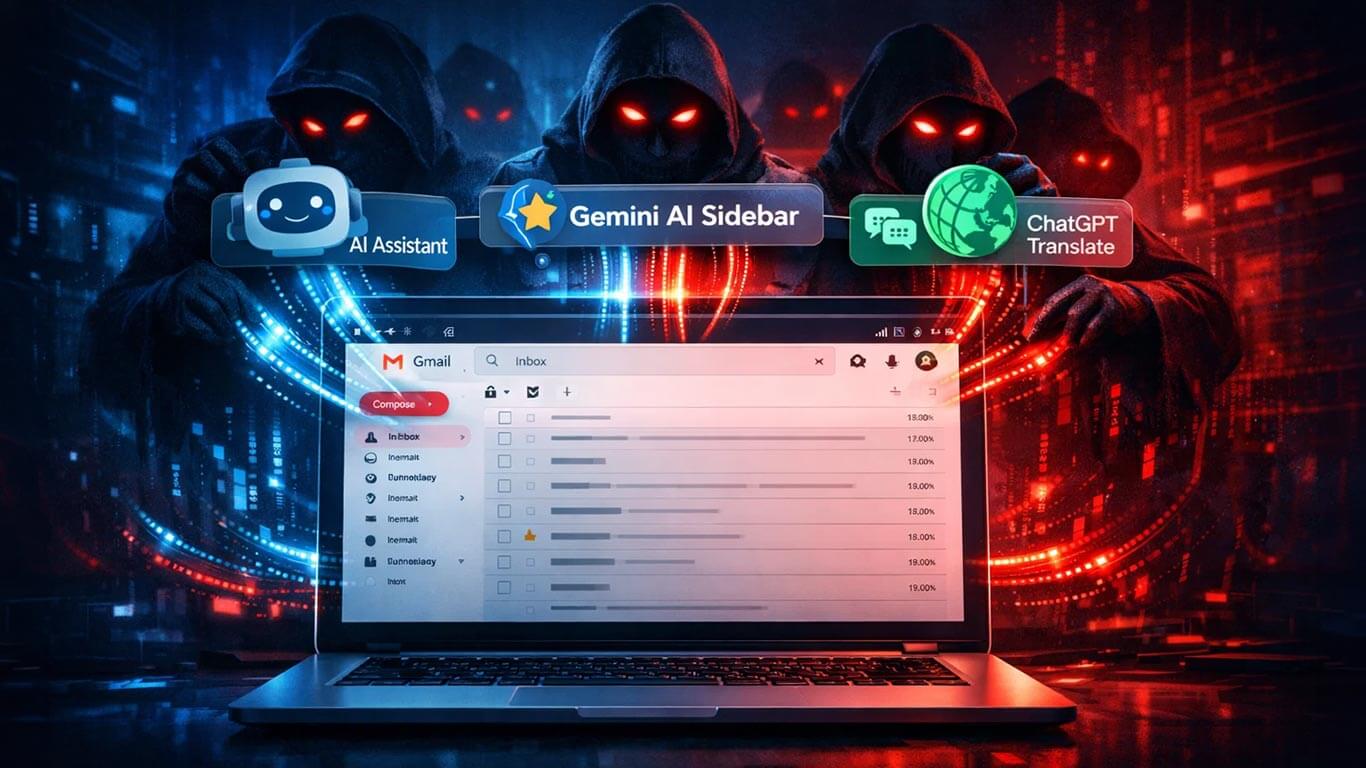
Malicious Chrome extensions disguised as AI productivity tools have reportedly affected more than 300,000 users, quietly accessing Gmail inboxes, drafts, and attachments.
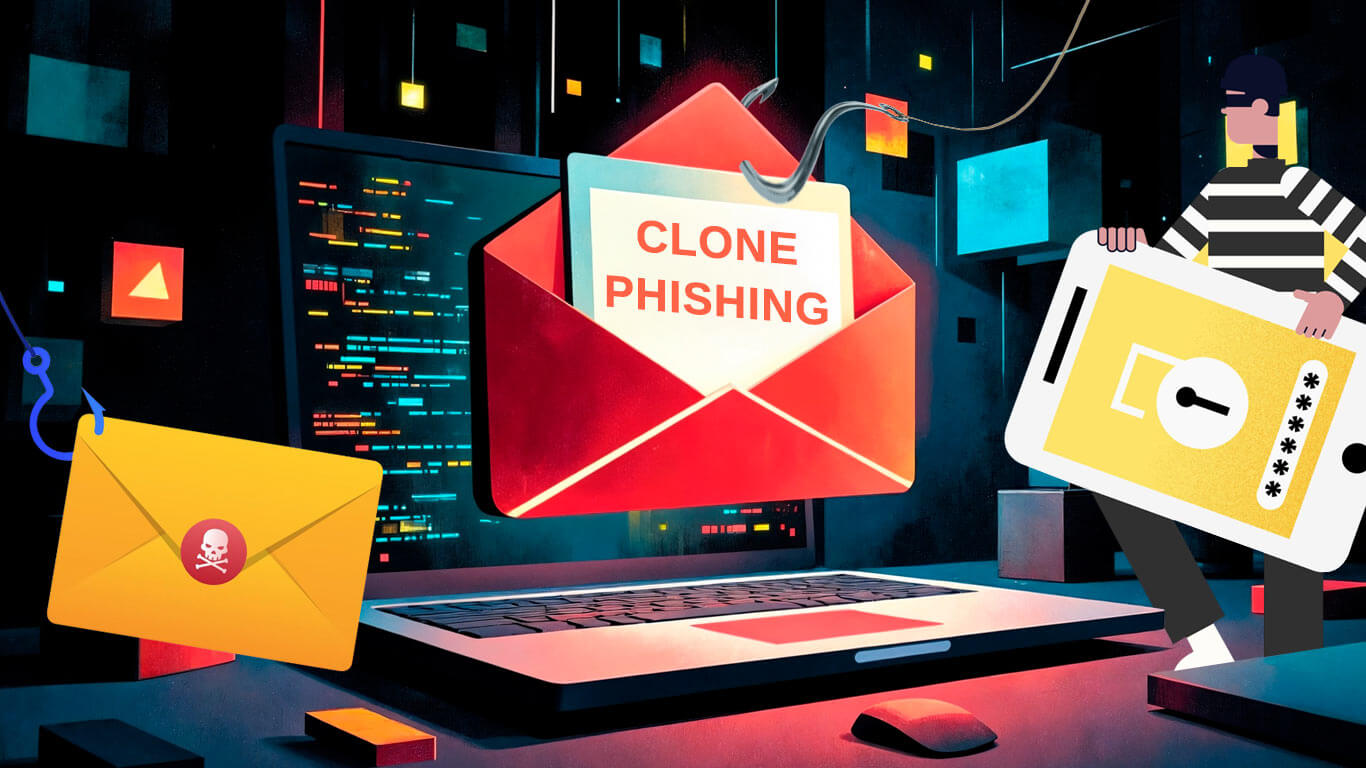
Clone phishing meaning is simple but deadly. Someone takes an email you already trust, copies almost everything in it, and swaps links or attachments with malicious ones.