
What You Need to Know About Fake Virus Alerts in 2026
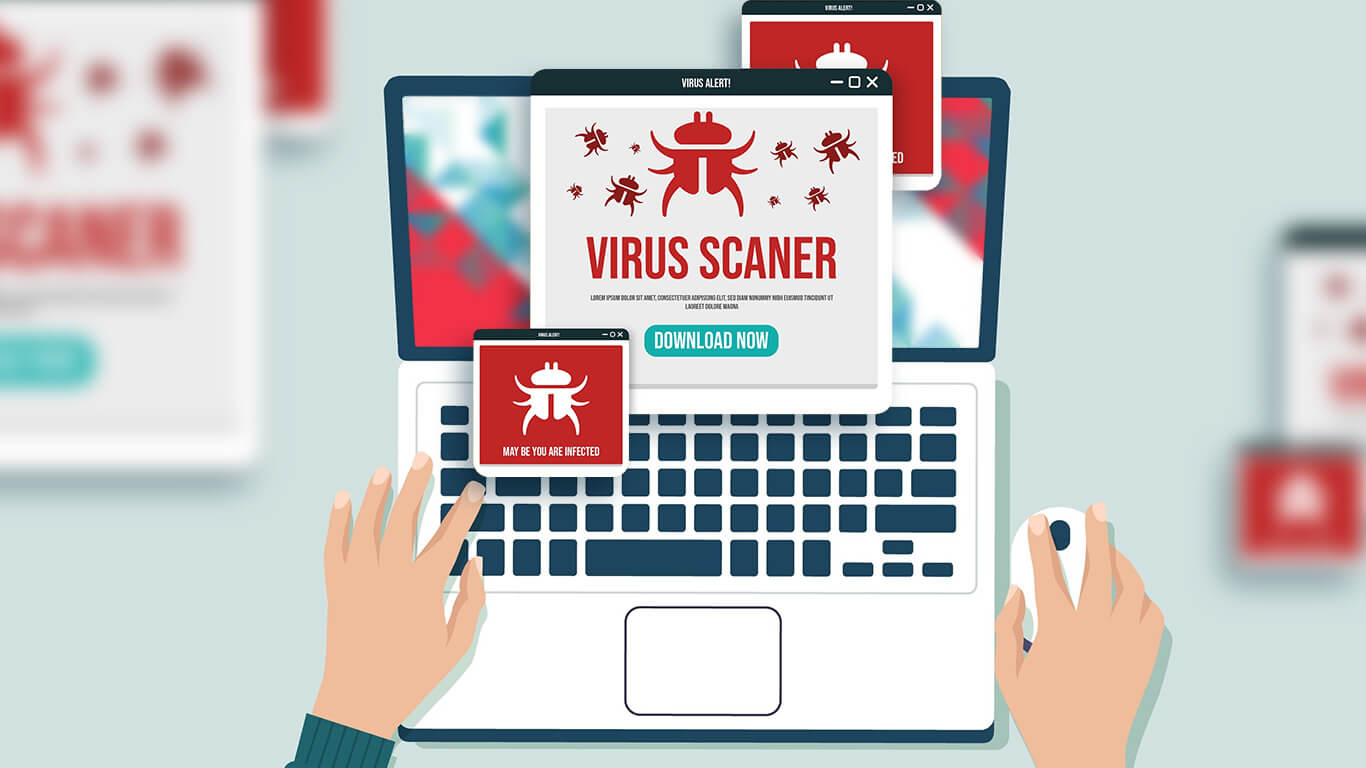
Fake virus warnings are among the oldest internet scams still fooling users. They replicate real antivirus messages to appear trustworthy but lead you into malware downloads or data theft. According to a large‑scale analysis of pop‑up scams on typosquatting domains, over 88 percent of the scam pop‑ups encountered were malicious.
In 2026, these scams are getting smarter.. Scammers use AI to design alerts that look just like the ones from big names like Google, Apple, or Microsoft. They even match your device type, so if you’re using Android, you might see “Android Virus Detected.” That’s how real they seem.
What Are Fake Virus Alerts?
Fake virus alerts are scam pop-ups that pretend your device has malware. They’re made to make you panic, so you’ll click fast without thinking. And once you do, the scammer wins, they can install real malware, steal your info, or trick you into buying fake security software.
They show up in a few different ways:
- Browsers pop up windows and full screen takeover pages.
- Fake system style notifications that look like your operating system alerts.
- Ads on legitimate sites that serve malicious content, known as malvertising.
- Search engine results that point to deceptive download pages.
- Bundled installers and freeware sites that add unwanted software during installation.
- Browser push notifications from sites you accidentally allowed.
- Malicious or rogue browser extensions.
- Email or social media messages with links that lead to fake alerts.
- Fake e-shops or app stores and sideloaded apps on mobile devices.
- Tech support scams over phone or chat that trigger on device or ask you to run a fake scan.
These fake pop-up virus scams often mimic your system perfectly. They use the same layout, icons, and warning tone, but one quick clue gives them away: real antivirus software doesn’t use web browsers for alerts.
If you’re browsing and suddenly see a full-screen message screaming “CRITICAL THREAT DETECTED,” that’s your sign to back off immediately.
How to Spot and Get Rid of Fake Virus Alerts
You just need to know what real alerts don’t do. Watch out for these red flags:
- Loud, flashing red warnings or countdown timers.
- It appears in your browser tab, not from your antivirus app.
- Weird website links like “safety-checker-online[dot]com.”
- It tells you to download a file or call a support number.
- You never ran a scan, but it claims to find multiple threats.
Real antivirus apps don’t yell at you or ask for payment through random links. They quietly handle issues and give you straightforward messages inside the app.
What to Do When You See One
When that sketchy fake virus alert appears, don’t panic and don’t click. If you’re dealing with a fake virus warning on Android, a fake pop up virus, or trying to figure out how to get rid of virus warning pop-ups, here’s what to do:
- Close the tab or app. If it won’t close, force-stop your browser.
- Clear your browser history and cache. This removes any scripts that caused the alert.
- Run a full antivirus scan with a trusted program. Check them here.
- Update your browser and device software. Outdated versions are easier to exploit.
- Change your passwords if you entered any info on the fake site.
- Reboot your device to clear any leftover background processes.
For Android users dealing with fake virus notifications that won’t go away:
- Go to Settings → Apps → Browser → Storage, then clear data and cache.
- Uninstall any app you don’t remember downloading.
- Open the Play Store → Play Protect → Scan to detect harmful apps.
- Restart your phone and open a safe website to test if it’s gone.
If you still get fake alerts, your browser might be hijacked, resetting it to default usually fixes that.
Remember
Fake virus warnings are jump scares, they rely on your fear and urgency. The more you panic, the easier it is for scammers to win. So the best response is to stay calm, close the tab, and take a second look.
Remember: real antivirus apps don’t ask you to call or pay immediately. They don’t use your web browser to report issues either. If something looks or feels off, it probably is.
These scams might be getting more advanced, but so are you. Staying alert, updating your devices, and trusting your instincts, you’ll handle any fake pop-up virus scam like a pro, no panic required.
Online privacy is a hot topic again. Between AI ads that track everything, smart devices that “listen,” and streaming sites that still block shows by region, the internet feels less private than ever.
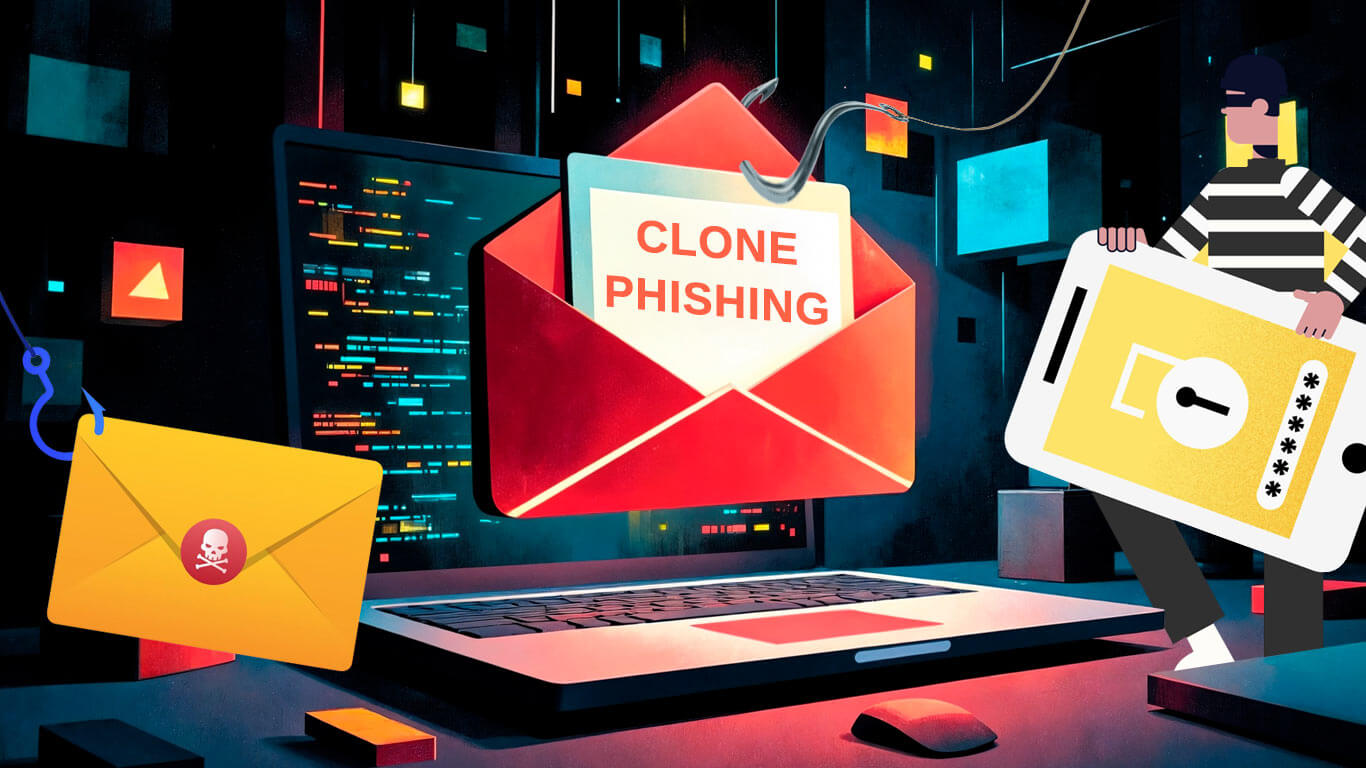
Clone phishing meaning is simple but deadly. Someone takes an email you already trust, copies almost everything in it, and swaps links or attachments with malicious ones.