
8 Good VPNs That Remote Teams Can Use

Remote work has defined how businesses operate. However, this setup also brings cyber security threats that need to be addressed. One of the main ones is that employees will no longer connect to the company’s own secure WiFi. They’ll be using their own connection, from cafes, or even other unsecured networks. This can put the company’s data at risk.
Fortunately, there are tools that can be used to deal with the risks. One of them is a Virtual Private Network (VPN), a tool that protects the activities of your business and remote employees online. But to ensure your business is properly protected, you need to use only the best VPN ideal for managing remote teams.
Why Remote Teams Need a VPN
A VPN will greatly help businesses protect their data and systems, especially in remote setups. Businesses can’t control where and how their remote employees access company files and data.
Security is not the only thing VPNs offer. There are also other benefits businesses can enjoy:
- Avoid costly data breaches: VPNs can reduce the risk of sensitive information being exposed, which will help you avoid legal problems and penalties.
- Lower IT costs: With VPNs, there’s no need for expensive networks and complex hardware to ensure data and system security.
- Increase productivity: Employees can safely access files and tools from anywhere without slowdowns.
- Maintain compliance: VPNs help your business meet data privacy requirements under regulations like GDPR or HIPAA.
- Protect reputation: Showing clients and partners that your company prioritizes cybersecurity builds trust and credibility.
A VPN investment often pays for itself by preventing disruptions, data loss, and reputational harm, all of which can be far more expensive than the subscription cost.
How to Implement and Set Up a VPN for Remote Teams
Properly setting up the VPN for your remote team is important. You need to ensure they’re being used consistently. Here’s a clear, practical rundown you can use
Setup and rollout steps
- Set the rules first. Define when the VPN is required, what data it must protect, and what platforms it supports. Put everything in a written policy so no one can claim “I didn’t know.”
- Choose a business-grade VPN. Skip consumer apps. Go for a provider that supports centralized management, device reporting, access controls, and multi-factor authentication.
- Distribute the VPN the right way. Use your MDM, endpoint manager, or company portal so employees don’t install random versions from the internet.
- Give them simple instructions. A brief onboarding guide is enough: how to log in, how to reconnect, and who to contact when something breaks. Keep it short or no one will read it.
- Enforce MFA. This removes the usual excuses about compromised credentials and keeps unauthorized access out.
- Add the VPN to startup. Configure devices so the VPN launches automatically when employees power up. This prevents “I forgot to turn it on.”
- Block risky access. Restrict company systems so they’re only reachable through the VPN. If the VPN isn’t on, the user doesn’t get in. It’s simple and effective.
- Monitor usage. Use your VPN dashboard or SIEM to check who’s connected, when, and for how long. Look for gaps, suspicious patterns, or employees who love working “off the grid.” Watch for stale sessions, logins from unexpected countries, unusual hours for specific employees, or multiple concurrent sessions from distant locations.
- Send friendly nudges. Automated reminders help enforce compliance without sounding like Big Brother. A quick Slack or email prompt usually does the trick.
- Review the policy regularly. Remote setups change. Make sure your rules still match how your people work.
After setup, train employees to keep the VPN active whenever they access internal tools or share files.
Establish clear policies requiring VPN use for all remote logins, and communicate why it matters for protecting company data. Regularly audit connections, update the software, and monitor compliance to maintain ongoing protection across your remote workforce.
Features You Need to Look for in a Remote Work VPN
1. Team Access Control
Does the VPN let you manage who can access which tools or files? See if the VPN has centralized control which can help enforce security policies without slowing down productivity.
2. Multi-Device Support
It’s important for your VPN to be able to support multiple devices without adding extra cost. This is because many remote workers often use multiple devices for their work.
3. Global Reliability
Remote teams may work across regions. Your business should find a VPN with consistent and good quality connection worldwide to avoid downtime during meetings or file transfers.
4. Easy Deployment and Monitoring
Time is money. Choose VPNs that are easy to roll out, monitor, and audit, so IT doesn’t get bogged down with constant troubleshooting.
5. Compliance and Privacy Confidence
Ensure your VPN supports compliance requirements. This is important, especially if your business handles regulated data like financial information, healthcare records, and so on.
6. Cost vs. Productivity Trade-Off
A VPN should save more than it costs. Think about how much downtime, breaches, or support headaches it prevents, these are the real ROI metrics for a business..
The 8 Best Business VPNs for Remote Teams in 2025
1. NordVPN
- Up to 10 device per account
- Business plan available with a centralized dashboard for adding/removing users and managing access.
- Supports multiple language
2. TotalVPN
- Budget-friendly while still offering AES-256 encryption and multiple protocols.
- Easy-to-use apps and simple setup, ideal for small remote teams with limited IT support.
3. VeePN
- With remote access capabilities and DNS leak protection.
- It has a public Wifi protection which is ideal for freelancers who enjoy working in cafes and hotels.
- Offers split tunneling and a strict no-logs policy, giving teams flexibility and privacy.
4. Surfshark VPN
- Allows unlimited devices and simultaneous connections under one account, which is cost-efficient for teams using multiple work devices.
- Scalable and built for growing remote teams.
5. ExpressVPN
- Very fast and reliable due to its Lightway protocol and strong server network.
- Supports volume pricing and centralized management for multiple remote users.
6. ProtonVPN
- Dedicated business servers and IPs for more controlled access.
- Strong privacy protections and Swiss jurisdiction, ideal for handling sensitive data.
- A business-ready VPN with centralized management, segmented access, and stronger security for organizations.
7. CyberGhost VPN
- Extremely easy to use with a huge server network covering 100+ countries.
- CyberGhost doesn’t have a specific business plan, but teams can still use its regular VPN. One account can connect up to seven devices at the same time, so you can share a subscription across the team.
8. Perimeter 81
- Built specifically with Zero Trust access, MFA, and automatic WiFi protection, ideal for businesses with global operation.
- Designed to scale and unify remote access and not just a consumer VPN repurposed for work.
- With an email breach alert in place, you can stay confident that your remote workers’ inboxes are protected.
Alternative: Twingate
- Zero Trust architecture with identity-based access instead of traditional network tunneling.
- Better performance and easier cloud/hybrid access management than most legacy VPNs.
Invest In Your Remote Team’s Security
Seriously, a VPN for remote work is an investment and the policy behind it matters just as much. Cybersecurity can feel like one of those things you’re paying for but never really notice. Nothing blows up, nothing catches fire, so it’s easy to think it’s unnecessary.
You only appreciate security when something goes wrong. When a breach happens, when data disappears, when operations suddenly stop, that’s when businesses finally understand the value of the protection they ignored.
It’s there to quietly guard your work, your people, and your peace of mind. A good VPN policy keeps your business data safe, your information private, and your business running even when it gets a little risky. And taking cybersecurity seriously, especially for a remote workforce, is part of building a business that lasts.

Fake virus warnings are among the oldest internet scams still fooling users. They replicate real antivirus messages to appear trustworthy but lead you into malware downloads or data theft. According to a large‑scale analysis of pop‑up scams on typosquatting domains, over 88 percent of the scam pop‑ups encountered were malicious. In 2026, these scams are […]
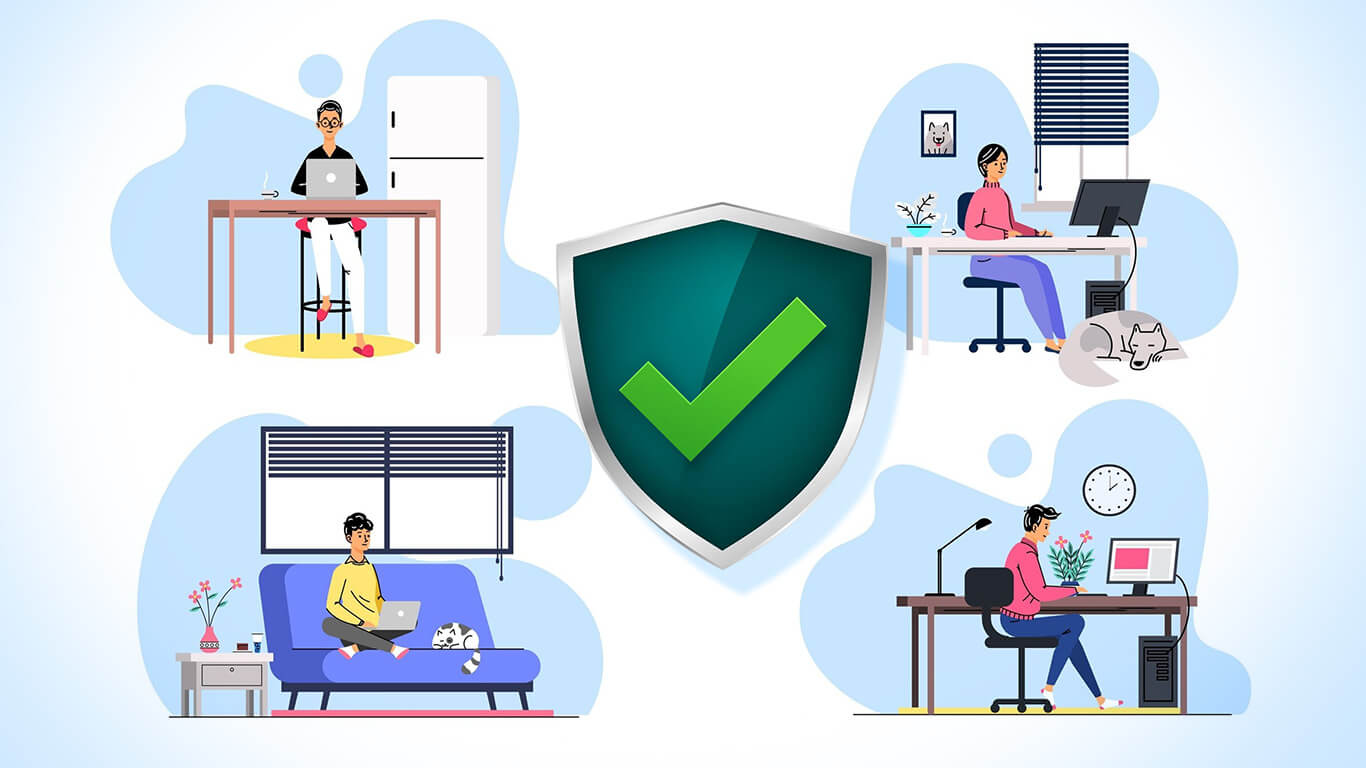
Building a remote team definitely cuts costs compared to running an office with an entire IT staff. The flip side is the risk. You hand out passwords, grant access to your tools, and open the door to company files.