
Clone Phishing Attacks: Spot, Avoid, and Protect Yourself Today
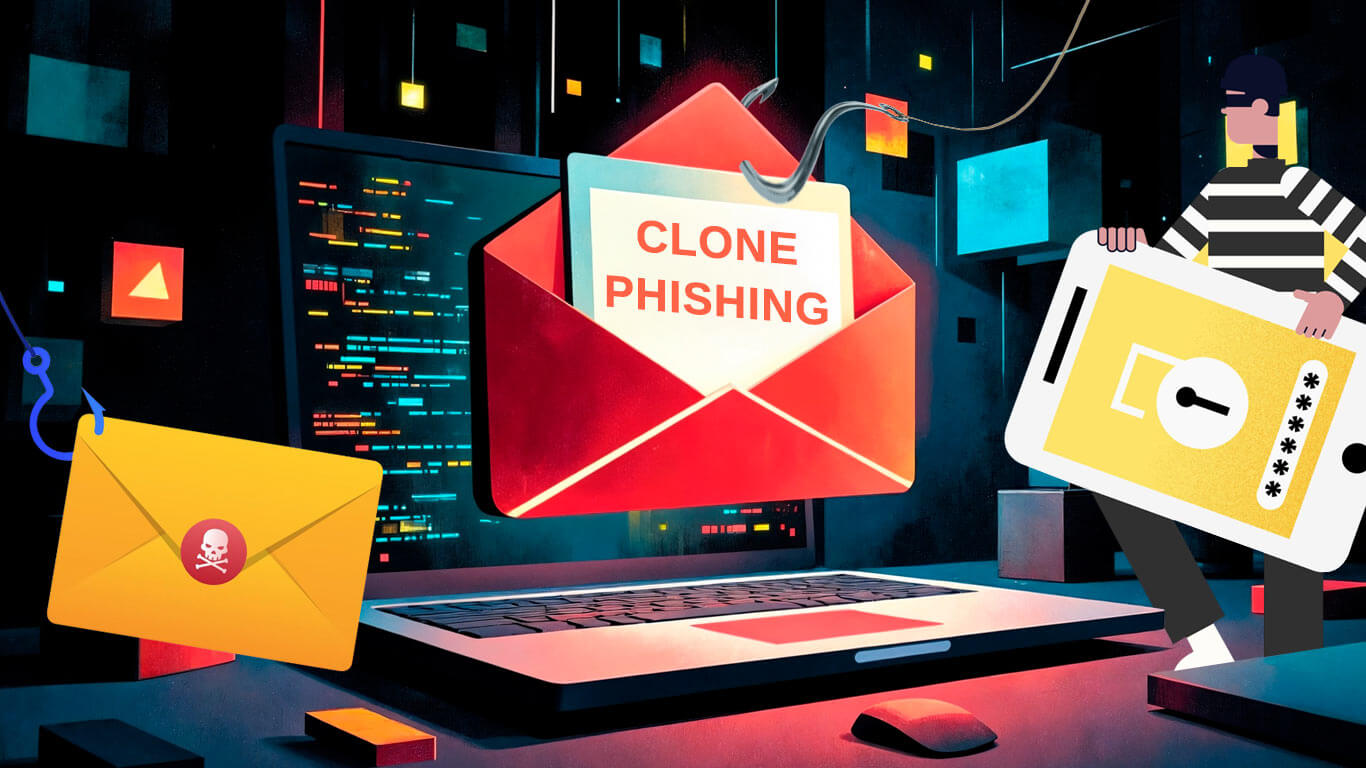
Clone phishing meaning is simple but deadly. Someone takes an email you already trust, copies almost everything in it, and swaps links or attachments with malicious ones. At first glance, it looks legit, so your brain doesn’t think twice before clicking.
Clone phishing in cybersecurity is basically a way for hackers to trick you using emails you actually expect. Think delivery confirmations, cloud file alerts, subscription receipts, or even work emails. They don’t scream “phishing”, they whisper “normal.”
It works. A 2024 Anti-Phishing Working Group report found that over 40 percent of phishing attacks copied emails users had already seen. Almost half of all phishing relies on trust, not fear.
Here’s an example. You get an email saying someone shared a file on Google Drive. Logos, formatting, even the greeting all look right. But the link takes you to a fake login page. You might click because it feels familiar. That’s what makes clone phishing attacks so effective.
Another one: a courier email says your package couldn’t be delivered. You click to reschedule, and suddenly your login info is gone. These attacks hit stuff you deal with daily, which makes them more convincing than random spam.
Why Clone Phishing Works
Familiarity Tricks You
If an email looks like one you’ve seen before, it feels safe. You’re more likely to click without thinking. Scammers clone layouts, subject lines, and signatures from emails you already trust. Some 2025 attacks even mention files you just accessed or payments you made. That’s how they make it feel real.
Urgency or Authority
Clone phishing often pressures you with messages like “Payment failed, update now” or “Your account will be suspended.” Urgency makes you act fast. Authority, posing as your bank, IT, or HR, makes it feel official. The combo is enough to make anyone click without thinking.
AI-Assisted Phishing
In 2025, AI can mimic your writing style and tone. Some emails even reference recent activity. They can greet you the way a colleague would. That’s why spotting a clone phishing attack can be tricky, it feels perfectly normal.
Targeted Platforms
Scammers go after platforms you use all the time: Google Drive, Dropbox, Slack, Teams, Zoom, WhatsApp for business. If a cloned notification about a shared file lands in your inbox, it can look just like the real thing.
Subtle Clues Often Go Unnoticed
Tiny mistakes in the sender’s email, links that redirect, or attachment names that are slightly off can give it away. But we skim emails fast. Hackers count on that, which is why a careful double-check matters.
How to Protect Yourself
Here’s how to avoid falling for clone phishing attacks
- Pause before clicking. Even a few seconds can make a difference.
- Check the sender. Look closely at the email address, not just the display name.
- Hover over links. Make sure URLs go where they’re supposed to.
- Avoid unknown attachments. Open files only if you are sure they’re safe.
- Verify requests another way. Call or message to confirm.
- Use multi-factor authentication. It adds a backup layer if your password is stolen.
- Keep your devices, apps, and antivirus updated. Old software is an easy target.
- Monitor accounts regularly. Identity theft monitoring tools for personal accounts, investing accounts, and other sensitive financial services help spot weird activity.
- Enable email or browser alerts. Many browsers flag phishing sites or shady downloads.
- Look for subtle errors. Off grammar, formatting, or logos are clues.
- Be extra careful with cloud, payment, and messaging links. These are common targets.
- Trust your gut. If something feels off, check it before clicking.
Quick tip: Make a mini checklist for your inbox: check sender, hover links, verify attachments, and use MFA. A few seconds of caution beats a lot of headaches later.
Common Forms of Clone Phishing
Resent emails
Cloned emails that are “resent” with a malicious link. Often delivery notifications, subscription updates, or order confirmations. Looks normal, but the link can steal credentials or drop malware.
Fake invoices or billing statements
Scammers copy receipts or invoices and swap payment links to send money to them instead. Even if it looks legit, check the sender.
Malware-attached documents
Internal emails cloned with malware attachments. Often from HR, IT, or coworkers. Opening the file can infect your device.
Fake security alerts
Emails saying there’s a problem with your account or a sudden fake virus alert on your device. Looks official, but links go to phishing pages.
Refund or credit notices
Emails saying you have money waiting. Clicking the link can steal login info or financial data.
Internal project or company-thread resends
Hackers hijack corporate email threads, clone them, and send fake follow-ups with attachments like PDFs or spreadsheets. Looks like it’s from a trusted coworker.
Cloud or file-share notifications
Fake alerts from file-sharing platforms like Google Drive and Dropbox, saying a file is ready. Link goes to a phishing site.
Impersonation of customer support
Emails pretending to be from banks, e-commerce platforms, or social media support. They ask you to log in or give info urgently.
Take note, hackers can mimic your writing style using AI. Some cloned internal emails feel like they’re actually from your coworker.
If You Already Clicked
Here’s what can happen if you fall for a clone phishing attack
- Login credentials or personal info can be stolen.
- Malware might infect your device, giving access to files or accounts.
- Bank or financial accounts could be at risk.
- Your email could be used to send phishing messages.
- Work or cloud files could be exposed.
- Identity theft is possible, including account takeovers or fraud.
Even one accidental click can trigger a chain reaction. Awareness and prevention are key.
Staying One Step Ahead
Clone phishing will keep evolving, but so can you. The trick is simple: slow down, double-check, and trust your instincts. Hover over links, verify senders, and use multi-factor authentication. Little habits like these can block attacks before they get a foothold.
Even tech-savvy users slip up if an email looks familiar and urgent. Awareness, consistency, and quick verification are your best shields. Staying alert today prevents stolen accounts, lost money, and headaches tomorrow.
Being cautious is smart. Every extra moment you take to verify an email is a moment a scam fails. When emails look just like the real thing, your attention and habits are what keep you safe.
Building a remote team definitely cuts costs compared to running an office with an entire IT staff. The flip side is the risk. You hand out passwords, grant access to your tools, and open the door to company files.
AI seems to keep an eye on nearly every click you make, smart gadgets gather bits of information from the quietest corners of your home, data breaches continue to parade across the news, and region blocked shows still act like they are guarding a royal treasure.